
The fastest way to run NEPI is on a NEPI-ready S2X system, with NEPI installed and the license included. Already have hardware? Install NEPI on it below.
New to NEPI? Start with the platform overview →


Connect your sensors and open the browser interface on day one. Nothing to install.
An affordable, compact NEPI edge AI computer. Add a Hailo-8 accelerator for 26 TOPS of real-time vision.
See S2X-RPI5A mid-range NEPI system with 100 TOPS of NVIDIA Orin NX performance for demanding vision and robotics.
See S2X-ONXNEPI's highest-performance system, with 275 TOPS and 64 GB of unified memory for the most demanding multi-sensor AI.
See S2X-AGX64Two ways to run NEPI on hardware you own.
Evaluating, prototyping, your own hardware
A Docker image with drivers, AI frameworks, automation tools, and the browser UI already built. Runs on any Linux machine in minutes. Needs about 60GB of free disk.
Get the ContainerTeams that need to change the platform itself
Clone the full NEPI source from GitHub. Build it, modify it, and deploy on your own hardware and timeline. Requires a Linux build environment and familiarity with ROS.
View on GitHubThese tiers are for NEPI installed on hardware you own. S2X systems are priced on the hardware page.
Every tier includes the full NEPI platform, source code access, documentation, tutorials, and the community forum.
Educational licenses are for non-commercial use and cannot ship in commercial products. Prices in USD.
What teams ask before choosing a tier. Product questions are on the full FAQ.
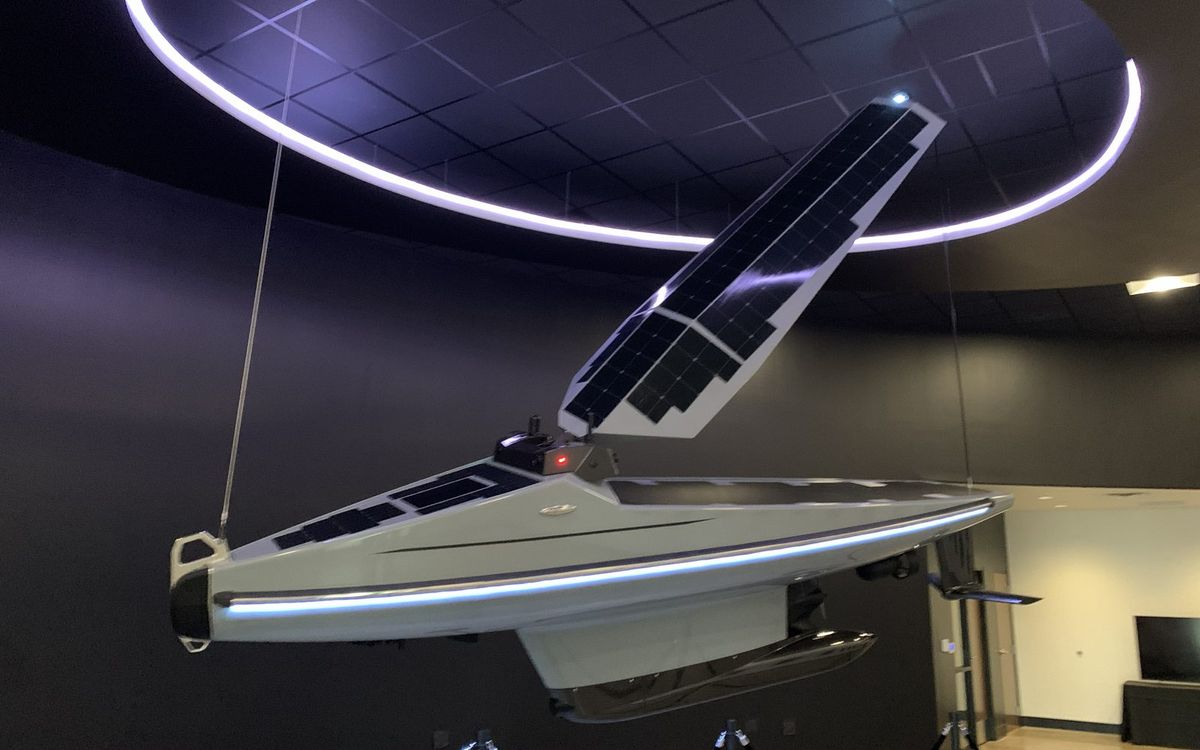
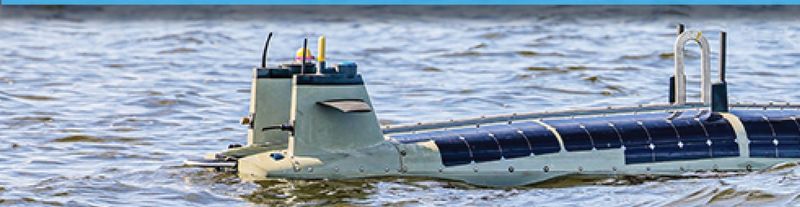
Ocean Aero integrated five directional cameras with onboard AI in six months. WESMAR shipped next-generation AI sonar for commercial fishing in five. VideoRay runs ROV incident-response inspection with SeeByte AI on it.
"It saved our internal team from a lot of development work we'd otherwise have to do ourselves."
Kevin Decker, CEO, Ocean Aero
A smart system takes in data from the real world, makes a decision with AI, and acts on it. Before any of that works, someone has to build the layer underneath. That layer is NEPI.
| Component | Build it yourself | On NEPI |
|---|---|---|
| Sensor drivers | One driver per camera, sonar, lidar, GPS, light, or pan and tilt. Rewritten when the hardware changes. | Plug-and-playGrowing driver library, configured in the browser |
| AI model deployment | Convert the model, wire it to live frames, manage versions, publish results somewhere useful. | Model managerDetection, classification, segmentation, pose. YOLO family supported |
| Automation logic | Custom code that watches outputs and triggers actions. Hard to change in the field. | Event-driven scriptingLow-code rules: detect a condition, trigger an action |
| Data logging and sync | Timestamps, storage, synchronized streams across sensors and model outputs. | Structured collectionSynchronized logs, ready for review or training |
| Operator interface | A UI for configuring hardware and watching the system, built after everything else. | Browser-based UIConfigure, deploy, and monitor from any browser on the network |
| ROS plumbing | Node graphs, message types, launch files, and the glue between all of the above. | Built on ROS and ROS 2Keep your existing nodes. NEPI adds the layers ROS does not have |
| Total | Months, then yours to maintain | Included. You write the 10% that is yours. |
Everything runs on the device. No cloud connection required, which is the point when the device is underwater, at sea, or on a working vessel.
Before Windows, only computer scientists could use computers. Windows gave everyone an interface, built-in apps, and hardware that just worked. NEPI does the same for edge devices.
The point is access. Researchers, program leads, educators, and operators can run real AI on real hardware without a specialized engineering team.
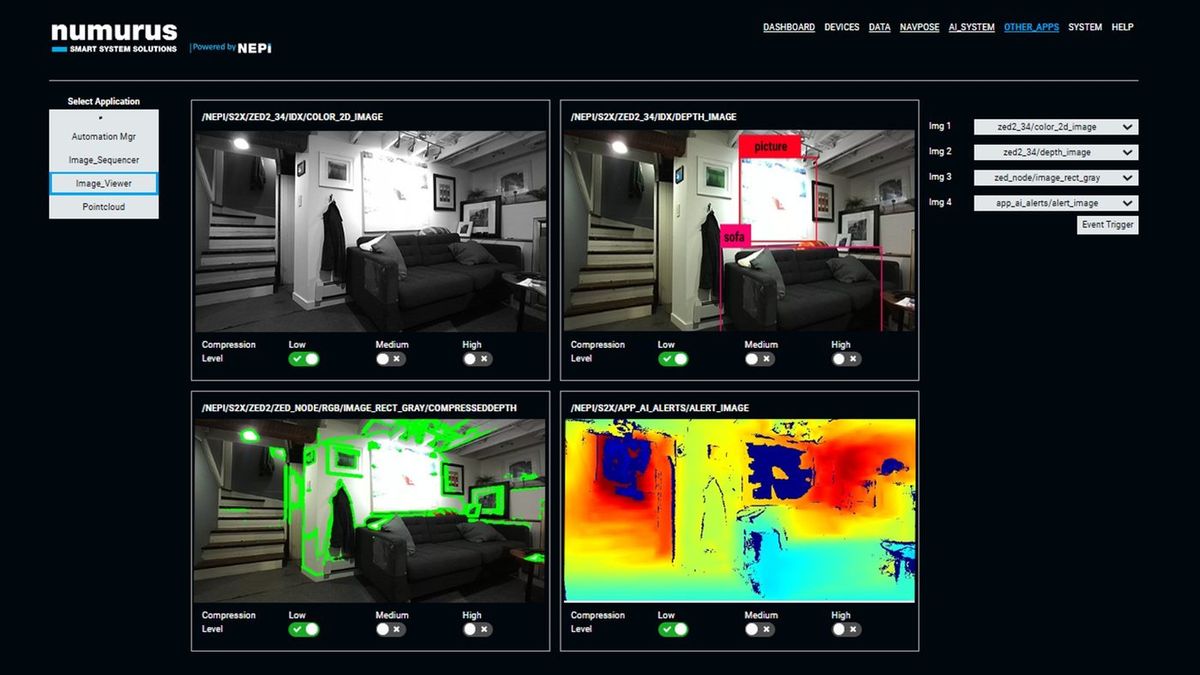
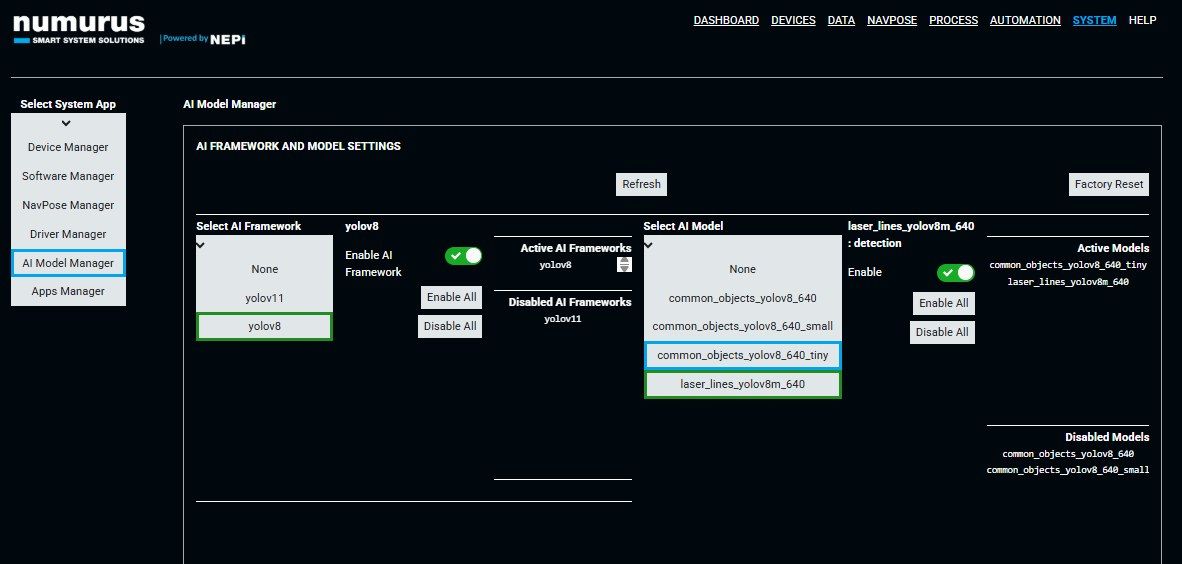
Open the NEPI interface from any browser on the network. Connect hardware, load a model, write a rule, and watch it run. The screenshots below are the actual interface.
NVIDIA Jetson (Nano through AGX Orin), Numurus S2X hardware, and any Linux machine with Docker.
TensorRT, ONNX, and PyTorch. Detection, classification, segmentation, and pose estimation. YOLO family supported.
The driver framework lets you write a custom driver that works with the rest of the platform. Check the documentation for the current list.
Install in minutes. Free to try. No hardware needed.